How to Use Google Search Console Backlinks Data to Build Domain Authority in 2026
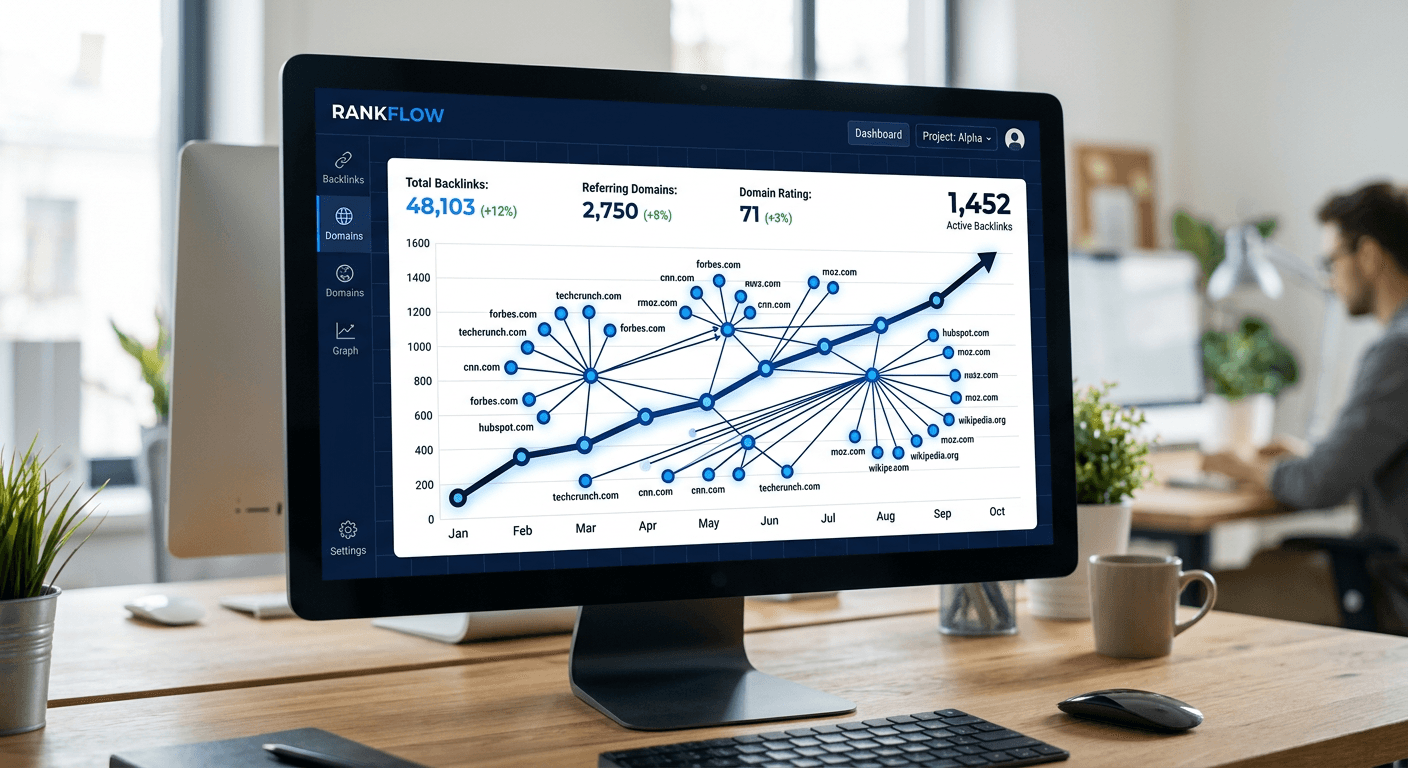
Analyzing your site's link profile is a cornerstone of any robust digital strategy, particularly when leveraging Google search console backlinks to understand how your brand is perceived by the broader web. High-quality inbound links remain one of the most significant signals for search engines, acting as a testament to your site's credibility and topical authority. By mastering the reporting tools within the Search Console interface, you can move beyond simple vanity metrics and start auditing the health of your site's external footprint.

Quick Summary {#quick-summary}
Google Search Console provides native reporting on inbound links, allowing webmasters to identify which external sites are linking to their content. Monitoring this data is essential for managing domain authority, identifying toxic link sources, and uncovering opportunities for content promotion and digital partnership development.
- Access the 'Links' report in your dashboard to view external and internal link patterns.
- Use the 'Top Linking Sites' table to audit site-wide domain authority signals.
- Export link data for integration into deeper SEO analysis workflows.
- Proactively monitor for unnatural link spikes to protect site health.
Table of Contents {#table-of-contents}
- Quick Summary
- Understanding Google Search Console Backlinks Data
- Step-by-Step Guide to Analyzing Your Link Profile
- Leveraging Insights for SEO Strategy
- Common Pitfalls and Troubleshooting
- FAQ
- Recommended Reads
Understanding Google Search Console Backlinks Data {#understanding-google-search-console-backlinks-data}
The 'Links' report within the Google interface serves as the primary source of truth for how the search engine views your inbound connections. Unlike third-party tools that rely on proprietary crawlers, the data provided here reflects exactly what Google’s algorithm processes regarding your site's connectivity. Understanding this distinction is vital for maintaining compliance with modern data privacy regulations and ensuring your SEO efforts align with official search signals.
Within this report, you can differentiate between 'Top Linking Sites' - the domains that link to you most frequently - and 'Top Linked Pages' - the specific URLs on your site that earn the most attention. This granular view allows you to correlate content performance with backlink acquisition. If a specific landing page receives a high volume of quality links, you can iterate on that content to further strengthen your technical SEO infrastructure for improved visibility.
Step-by-Step Guide to Analyzing Your Link Profile {#step-by-step-guide-to-analyzing-your-link-profile}
- Access the Links Report: Log into your search console account and locate the 'Links' option in the left-hand navigation sidebar. This will populate a dashboard showing external and internal link totals.
- Review Top Linking Sites: Expand the 'Top Linking Sites' card. Sort by 'Total Links' to see your most influential referrers. Evaluate whether these sites are contextually relevant to your industry.
- Examine Top Linked Pages: Look at the 'Top Linked Pages' section. This tells you which of your resources are most successful at attracting links. Use this to determine if your pillar content is performing as intended or if other pages require a boost.
- Export and Compare: Use the export button at the top right of the report to pull the data into a spreadsheet. Comparing this over time helps identify patterns in how your link profile grows or stagnates.
- Audit Anchor Text: Check the 'Top Linking Text' table. This provides insight into the phrases other sites use when linking to you, which serves as a proxy for how your brand is being described online.
Pro Tip: When analyzing your link profile, always filter by 'Target Page' to ensure you are viewing specific data for your most critical landing pages rather than just your domain home page.
Leveraging Insights for SEO Strategy {#leveraging-insights-for-seo-strategy}
Once you have collected the data, the next step involves active strategy optimization. If you notice specific types of content - such as data-driven infographics or original case studies - consistently attracting links, prioritize producing more of that content. This creates a feedback loop where your site's authority grows through proven content formats.
Furthermore, if you are planning to review the platform terms for broader SEO tools, ensure you understand that while Search Console provides free data, it does not offer the same real-time link discovery speed as professional API-driven tools. Use this data as your baseline, and supplement it with other tools only when you require deeper insights into competitive link velocity or niche-specific backlink analysis that goes beyond what is publicly available in the search index.
Common Pitfalls and Troubleshooting {#common-pitfalls-and-troubleshooting}
One common error is obsessing over the total number of links rather than the quality of the domains linking to you. A single high-authority link is worth more than hundreds of low-quality, automated directory links. If you see a sudden, massive influx of links from irrelevant sites, this is often a sign of a negative SEO attempt, which you should address using the disavow tool.
Another pitfall is misunderstanding the latency of the data. The information in the Links report is not always real-time. Do not expect to see a link created an hour ago appearing in your dashboard immediately. Patience is required, as the index takes time to re-crawl and attribute these connections to your domain.
FAQ {#faq}
Is the data in Google Search Console free to use?
Yes, the link reporting features in Google Search Console are completely free. You do not need to pay for any additional tools to view your own backlink profile.
How often is the link data updated?
Data is updated periodically, but it is not live. It may take several days or even weeks for new backlinks to be crawled, indexed, and reflected in your Search Console report.
Should I worry if I see backlinks from low-quality sites?
Not necessarily. Google's algorithms are generally capable of ignoring low-quality or spammy links. You should only consider taking action (using the disavow tool) if you see a significant, unnatural pattern of spam links that may be causing a penalty.
Can I use the search API to get more link data?
While there is no specific 'Backlink API' for Search Console, advanced users often use the Search Analytics API to extract performance data that can be correlated with link growth. Note that using these APIs has its own technical requirements and rate limits.