How to Use Google Search Console for Backlink Analysis
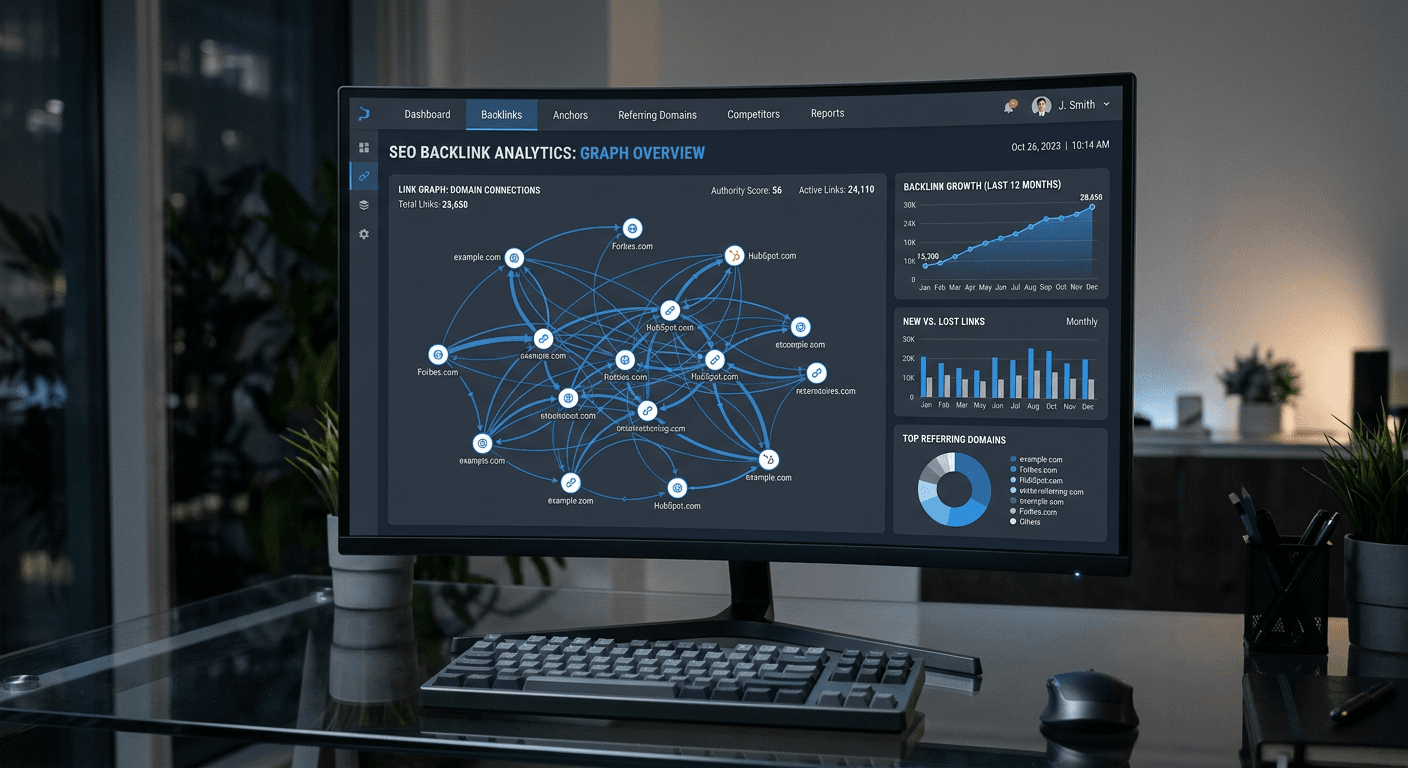
Using Google Search Console for backlink analysis is one of the most reliable methods for understanding how external sites perceive your content. While many third-party tools provide estimation, Google Search Console (GSC) offers the most direct data on the links Google actually recognizes and crawls. By mastering these google search console backlinks, you gain an objective view of your site's authority and can identify potential opportunities to improve your Google search metrics through strategic outreach and content refinement.
Quick Summary {#quick-summary}
Google Search Console provides a direct look at the backlinks Google tracks for your domain, which is essential for evaluating off-page SEO performance. It allows users to identify linking domains, analyze anchor text distributions, and monitor how your link profile grows over time, ultimately influencing your search visibility.
- Access raw data on linking domains directly from the source.
- Analyze anchor text usage to identify potential over-optimization.
- Use the data to disavow toxic links or build new relationships.
- Monitor traffic correlations between new backlinks and search impressions.
Table of Contents {#table-of-contents}
- Accessing Your Backlink Profile
- Analyzing Top Linking Sites
- Evaluating Anchor Text Patterns
- Common Pitfalls and Troubleshooting
- FAQ
- Recommended Reads

Accessing Your Backlink Profile {#accessing-your-backlink-profile}
To begin your analysis, log in to your dashboard and navigate to the "Links" report located in the left-hand sidebar. This section is the primary hub for understanding your site's connectivity. Google separates these links into internal and external categories; for the purpose of backlink analysis, you must focus specifically on the "Top linking sites" and "Top linking pages" reports. This data is fundamental to understanding your site's privacy and data integrity in the eyes of search crawlers.
Unlike third-party SEO suites that may rely on delayed crawls, the data found here represents the verified link graph that Google uses for indexing. Understanding this data is part of a broader commitment to professional digital standards. When you export this data to a spreadsheet, you can filter for specific URLs or domains to see exactly which high-authority pages are driving traffic to your content, providing a clearer picture of your site's standing.
Analyzing Top Linking Sites {#analyzing-top-linking-sites}
Once you reach the "Top linking sites" report, you need to examine the domains that send the most traffic to your property. This is a critical exercise in Google search SEO because it reveals the quality of your digital network. Look for established, relevant publications that naturally reference your work. A high volume of links from low-quality or irrelevant domains can indicate potential issues with your site's reputation.
Drill down into specific domains to see which of your pages they link to. If a site links exclusively to your homepage, consider reaching out to suggest deeper, more relevant links to your resource pages. This process helps you understand your site's reach and can guide your content strategy by showing you exactly which topics gain the most traction with external authors.
Pro Tip: Export your top linking domains monthly and cross-reference them with your traffic analytics. If you notice a drop in traffic from a high-authority domain, investigate the link to ensure it hasn't been removed or set to a "no-follow" tag, which can affect your search visibility.
Evaluating Anchor Text Patterns {#evaluating-anchor-text-patterns}
Anchor text analysis is vital for maintaining a natural link profile. In the "Top linking text" report, you will see the exact phrases other sites use to link to you. If your anchor text consists primarily of exact-match keywords, this can signal to Google that your site is attempting to manipulate search rankings. Ideally, you want a diverse mix of branded terms, generic phrases, and descriptive keywords.
If you find that a significant portion of your anchor text is composed of spammy keywords, you should consider utilizing the Google disavow tool. Before taking this step, ensure you understand the risks, as incorrectly disavowing reputable sites can harm your performance. Use this feature carefully to clean up your link profile and ensure your site usage terms align with your SEO goals.
Common Pitfalls and Troubleshooting {#common-pitfalls-and-troubleshooting}
One common error is mistaking a lack of links in GSC for a lack of links in total. GSC only displays links that Google has indexed. If you have recently launched a campaign and the links are not appearing yet, your site may simply need more time to be crawled, or the linking pages may not be accessible to Google bots. Use a standard google index checker tool if you suspect that your pages themselves are not being indexed.
Another pitfall is ignoring "google search on specific website" operators. If you cannot find a specific link in GSC, use the search operator site:domain.com "your-brand-name" to see if Google is aware of the mention elsewhere. Finally, never assume that a high number of links automatically results in higher rankings; quality and topical relevance will always outweigh raw volume in modern search algorithms.
FAQ {#faq}
How often does the backlink data update in Google Search Console?
Google Search Console data is typically updated every few days, though it can sometimes take up to a week for new links to appear in the reports. Patience is required for new outreach campaigns.
Does Google Search Console show all my backlinks?
It shows all the backlinks that Google’s indexer has processed. It is generally very comprehensive, but it may exclude links from sites that Google has chosen not to crawl or index for quality reasons.
Can I use GSC to disavow bad backlinks?
Yes, you can upload a disavow file through the Google Disavow Tool, which instructs Google to ignore specific links when assessing your site's authority. This should only be used if you have identified spammy or harmful links.
Is GSC sufficient for competitor backlink analysis?
No. GSC only provides data for properties you verify ownership of. To analyze competitors, you would need to use third-party SEO tools that crawl the web to generate link databases.