Mastering Google Analytics for SEO Success
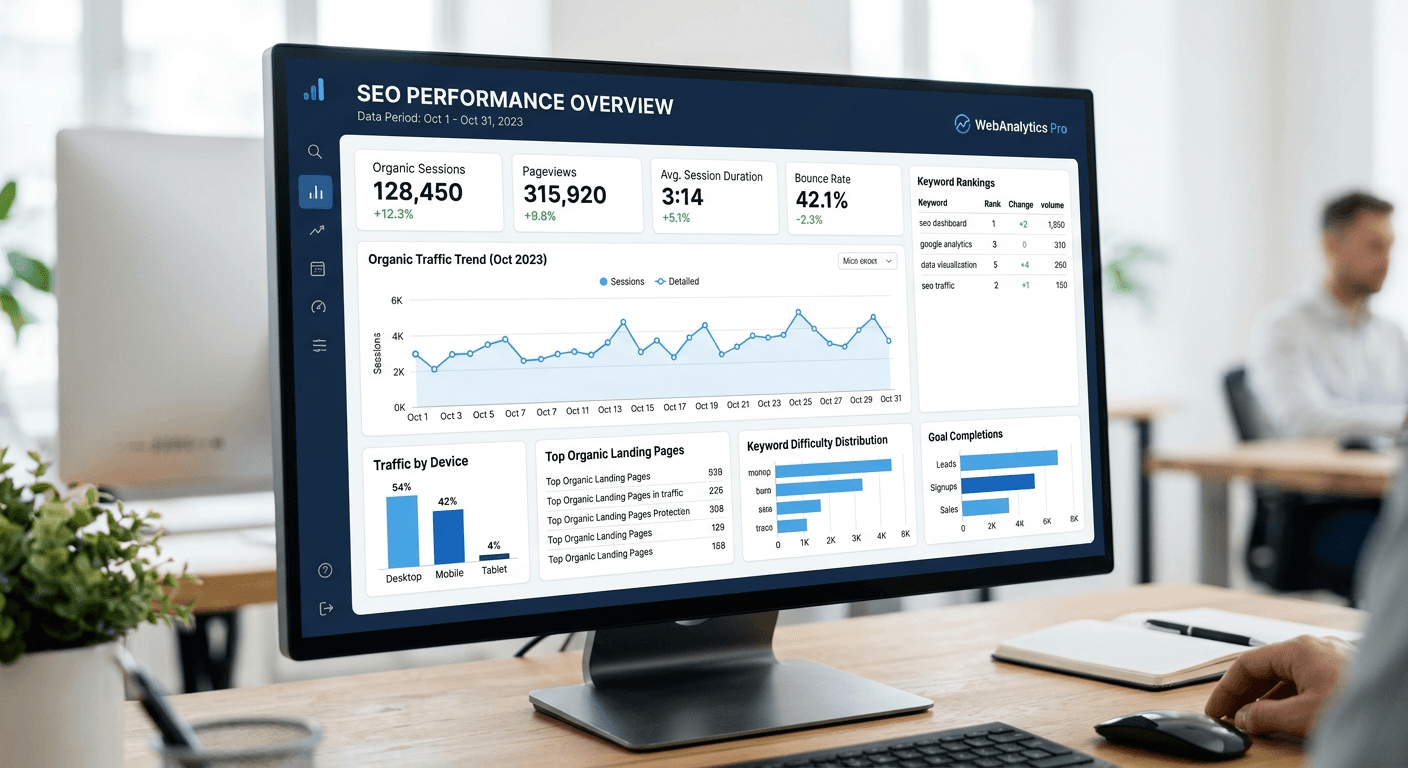
Mastering Google Analytics for SEO success is a fundamental requirement for any digital strategist aiming to leverage data-driven insights to improve site visibility and user engagement. By effectively deploying Google Analytics SEO tools, you can move beyond vanity metrics and understand exactly how visitors arrive at your content, what they do once they land, and where your conversion funnels may be leaking potential revenue. This guide details how to configure your tracking infrastructure to capture the granular data required to optimize your seo website marketing efforts.
Quick Summary {#quick-summary}
Google Analytics is a robust data collection platform that enables marketers to track, analyze, and optimize website performance through user behavior insights. By integrating tracking codes and UTM parameters, teams can measure the impact of search visibility, identify high-performing content, and refine keyword strategies to drive sustainable growth.
- Track organic search traffic patterns to evaluate content efficacy.
- Utilize UTM parameters to attribute specific campaign performance.
- Analyze site engagement metrics to reduce bounce rates.
- Map user intent by auditing internal search performance.
Table of Contents {#table-of-contents}
- Quick Summary
- Configuring Property Tracking for SEO
- Leveraging the Google Analytics URL Builder
- Decoding Google Analytics Search Terms
- Optimizing SEO Traffic and User Behavior
- Common Pitfalls and Troubleshooting
- Frequently Asked Questions
- Recommended Reads

Configuring Property Tracking for SEO {#configuring-property-tracking-for-seo}
Before you can glean actionable insights, you must ensure your Google Analytics 4 (GA4) property is configured correctly to capture organic search data. This process starts with the installation of the Google tag (gtag.js) across every page of your site. Without comprehensive coverage, your data will suffer from 'sampling' or incomplete attribution, rendering your SEO analysis unreliable. Ensure that you are excluding internal IP addresses to prevent your team's browsing habits from skewing your organic traffic reports.
Once the tracking code is verified, you must link your GA4 property to Google Search Console (GSC). This is a critical step because GA4 does not natively display the specific keyword queries that lead users to your site; GSC provides this data. By connecting these tools, you populate your GA4 reports with query-level metrics, allowing you to correlate organic landing pages with the specific phrases users typed into search engines. Review the terms of service to ensure your data collection complies with platform policies.
Refining Data Views and Filters
Within your GA4 interface, you should configure custom segments to isolate 'Organic Traffic' from paid or referral sources. Creating these segments allows you to view the engagement rate, average session duration, and conversion events specifically for visitors arriving via search engines. This granular view is essential for determining which SEO tactics are producing high-intent traffic versus traffic that immediately bounces.
Leveraging the Google Analytics URL Builder {#leveraging-the-google-analytics-url-builder}
While organic traffic is often tracked automatically via referrers, you should use the Google Analytics URL builder—now integrated into many campaign management workflows—to track specific SEO experiments, such as links placed in guest posts or external article syndication. Adding UTM parameters allows you to explicitly label the source, medium, and campaign of a link, ensuring that these visits don't get lumped into an ambiguous 'direct' or 'referral' bucket.
To build these, use consistent naming conventions. If you are running an SEO outreach campaign, use utm_medium=organic_outreach and utm_source=partner_site. This consistency allows you to compare the ROI of different link-building efforts side-by-side in your reporting interface. Remember that UTM parameters are case-sensitive; if you use 'Organic' in one report and 'organic' in another, Google Analytics will treat them as two different sources.
Pro Tip: Always keep a master spreadsheet of your UTM parameters. Standardizing your naming conventions prevents data fragmentation and ensures your reports remain clean and actionable over time.
Decoding Google Analytics Search Terms {#decoding-google-analytics-search-terms}
Analyzing Google Analytics search terms refers to examining how users navigate your site using your internal site search engine. While external keywords represent how users find you, internal search terms reveal what they are looking for once they arrive. If users are searching for topics you haven't covered or products you haven't highlighted, this represents a significant gap in your current SEO content strategy.
To capture this, you must enable 'Site Search' tracking in your property settings. You will need to identify the query parameter that your site uses to display search results (usually 'q', 's', or 'search'). Once enabled, you can view the 'Site Search' report, which highlights the terms users enter most frequently. If you see high-volume searches for terms you aren't optimizing for, update your existing content or create new landing pages to capture that intent.
Aligning Intent with Content
Look for 'zero-result' searches. These are instances where a user searched for something on your site and found nothing. This is the most valuable data an SEO can have; it is a direct request from your audience for content. By addressing these gaps, you increase user satisfaction and can improve your domain's relevance for those specific topics, signaling to search engines that your site is a comprehensive resource.
Optimizing SEO Traffic and User Behavior {#optimizing-seo-traffic-and-user-behavior}
Understanding your SEO traffic goes beyond counting sessions. You need to analyze the 'Landing Page' report to determine which pages are functioning as entry points for your organic visitors. High traffic to a page with a low engagement rate often suggests a mismatch between the search query and the page content. This is where you should focus your optimization efforts by refining page titles, meta descriptions, and on-page content architecture.
Furthermore, utilize the 'Explorations' tool in GA4 to create funnel reports. Track the path a user takes from a search landing page to a conversion point, such as a contact form or purchase. By identifying where users drop off, you can perform A/B testing on your calls-to-action or layout, effectively increasing your ROI from existing traffic levels. For more information on protecting user data during this process, visit our privacy policy.
Common Pitfalls and Troubleshooting {#common-pitfalls-and-troubleshooting}
- Inaccurate Referrer Data: If your organic traffic is showing as 'direct', your tracking code may be firing before the page load completes, or you have misconfigured cross-domain tracking. Check your implementation order.
- Data Thresholding: Google may hide data if your traffic volume is low to protect user privacy. If you see empty reports, you may need to increase your traffic sample or extend the time range.
- Ignoring Engagement Metrics: Don't focus solely on sessions. A high session count with a zero-second engagement time suggests either a tracking error or a bot infestation. Always filter out known bots.
Frequently Asked Questions {#frequently-asked-questions}
Why can't I see keyword data in GA4?
GA4 does not provide keyword data directly; you must link your property to Google Search Console to view query-level performance metrics.
What is the difference between organic and referral traffic?
Organic traffic comes from search engine results pages (SERPs), while referral traffic comes from users clicking links on other websites that are not search engines.
How do I track the success of a specific blog post?
Use the 'Landing Page' report in GA4 and apply a filter for your specific URL to see total sessions, engagement rate, and conversions generated by that piece of content.
Can GA4 track offline conversions from SEO?
Yes, by using the Measurement Protocol or by importing data via CSV, you can map offline events back to digital traffic sources.